 Fieldmark Documentation
Month picker
How to add and configure a Month picker field in the Notebook Editor.
What This Field Does
A Month Picker captures a year and month only (YYYY-MM), deliberately avoiding day-level precision. It is particularly valuable for historical documentation where exact dates are unknown or meaningless — preventing the common error of inventing precision where none exists. Use it for field seasons, publication dates, approximate dates of disturbance, or any temporal data where month-level granularity is appropriate.
Adding the Field
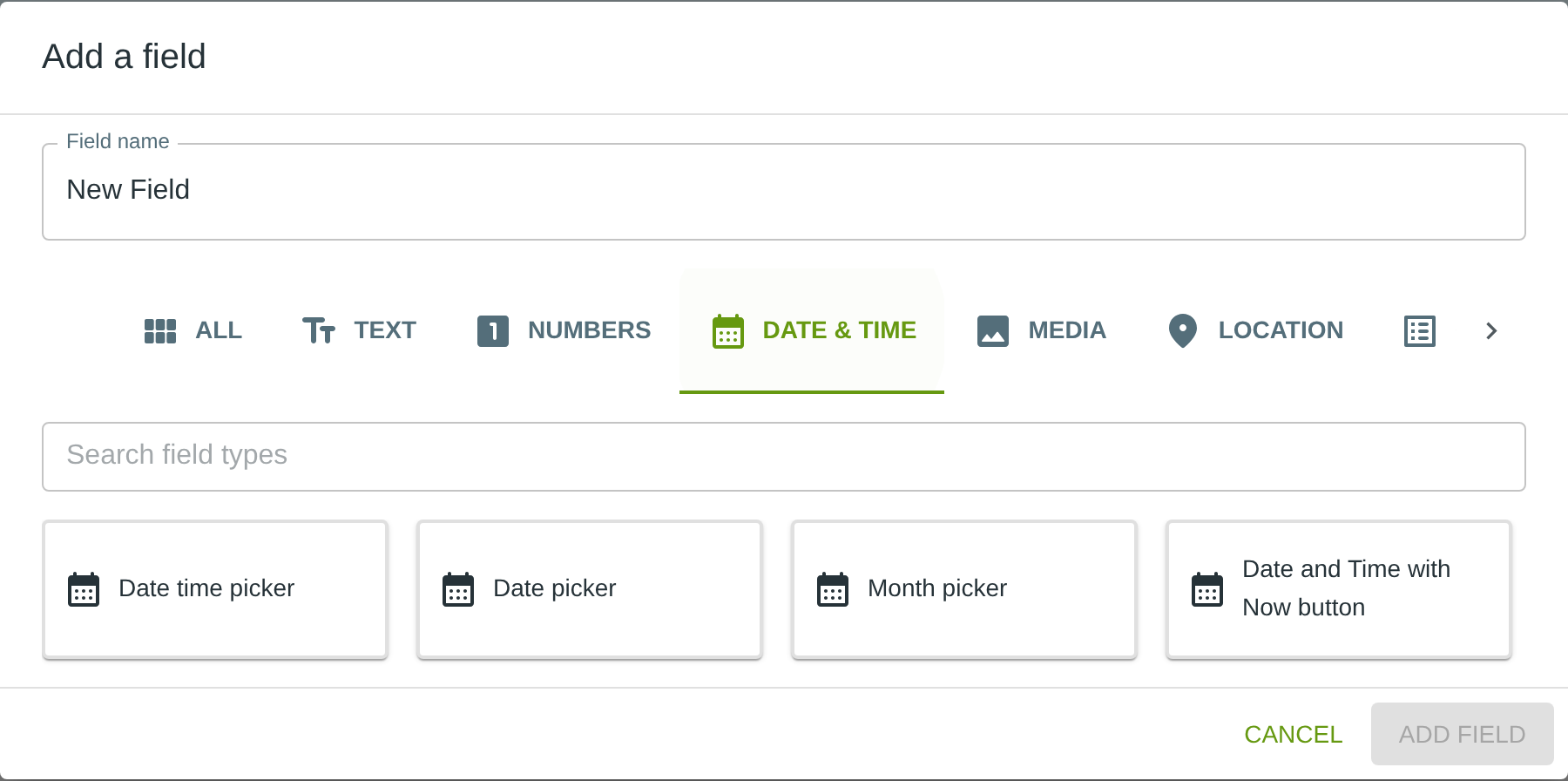
To add this field, open the ADD A FIELD dialog, navigate to the DATE & TIME tab, and click the Month picker card. Then click the ADD FIELD button in the lower right.
Configuring the Field
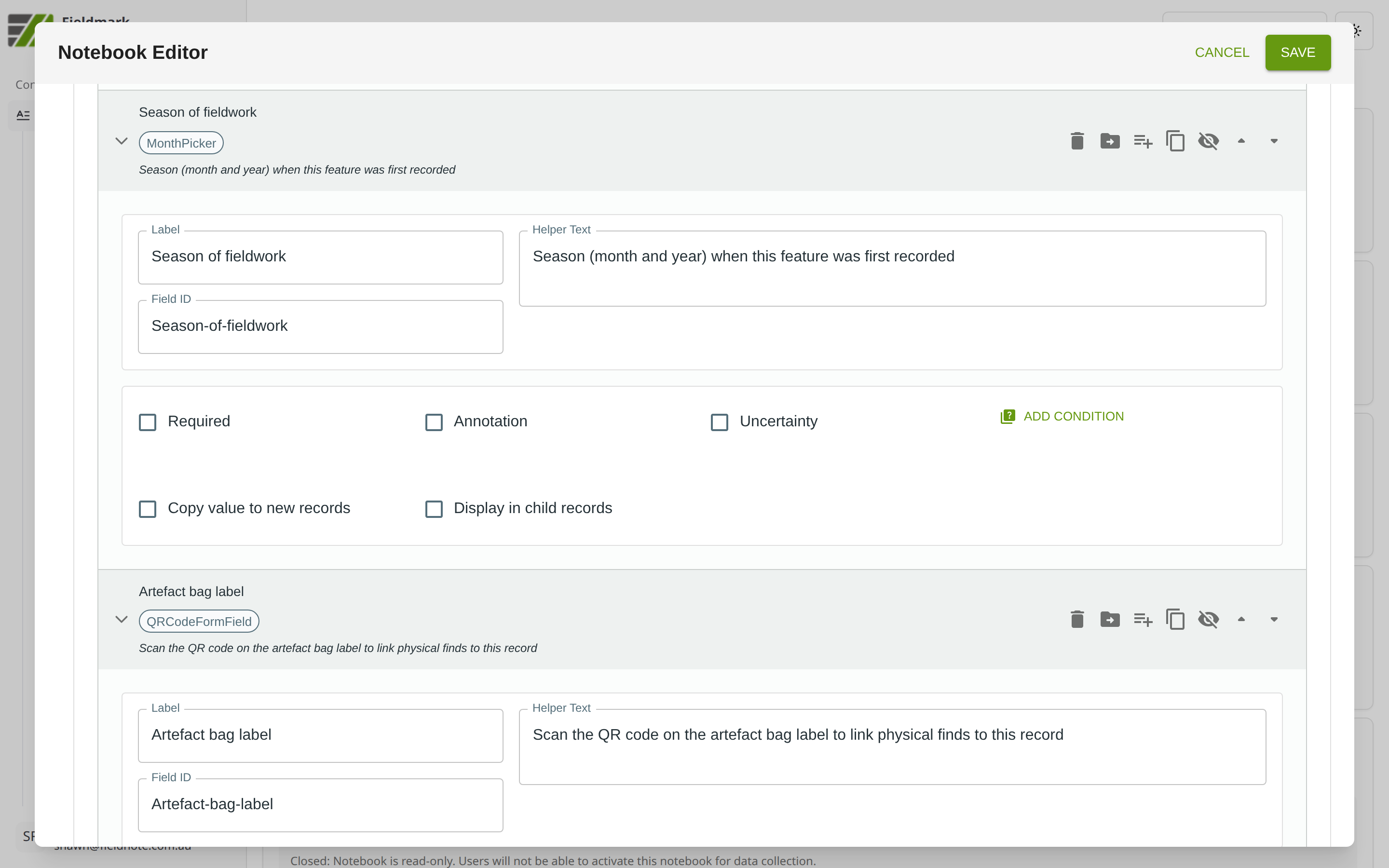
Click the field’s grey header bar to expand it and see its settings. For an overview of the settings shared by all fields — including Label, Helper Text, Field ID, and the field toolbar — see Field Identity and Field Toolbar.
Give the field a meaningful Label, review the auto-populated Field ID, and add any desired Helper Text.
Tips
Use when day-level precision is unnecessary or misleading — “Season of fieldwork”, “Month of last survey”, “Approximate date of disturbance”. This avoids the epistemological error of recording a specific day when only the month is known.
Watch for Excel misinterpretation — Excel may interpret “2024-03” as “3rd March 2024” rather than “March 2024”. Always import Month Picker data as a text column to preserve the intended format.
Consider using Uncertainty plus Annotation to let collectors note whether the month is exact or approximate (e.g., “probably March” vs “definitely March”) or specify a timeframe within the month (e.g., “late March”).