 Fieldmark Documentation
Logging in to Fieldmark
Supported Authentication services
Fieldmark can be configured to support either local (username/password) login or a federated login such as Google, AAF or an institutional single sign-on provider.
Login
To sign into Fieldmark, choose your authentication provider from the Login screen:
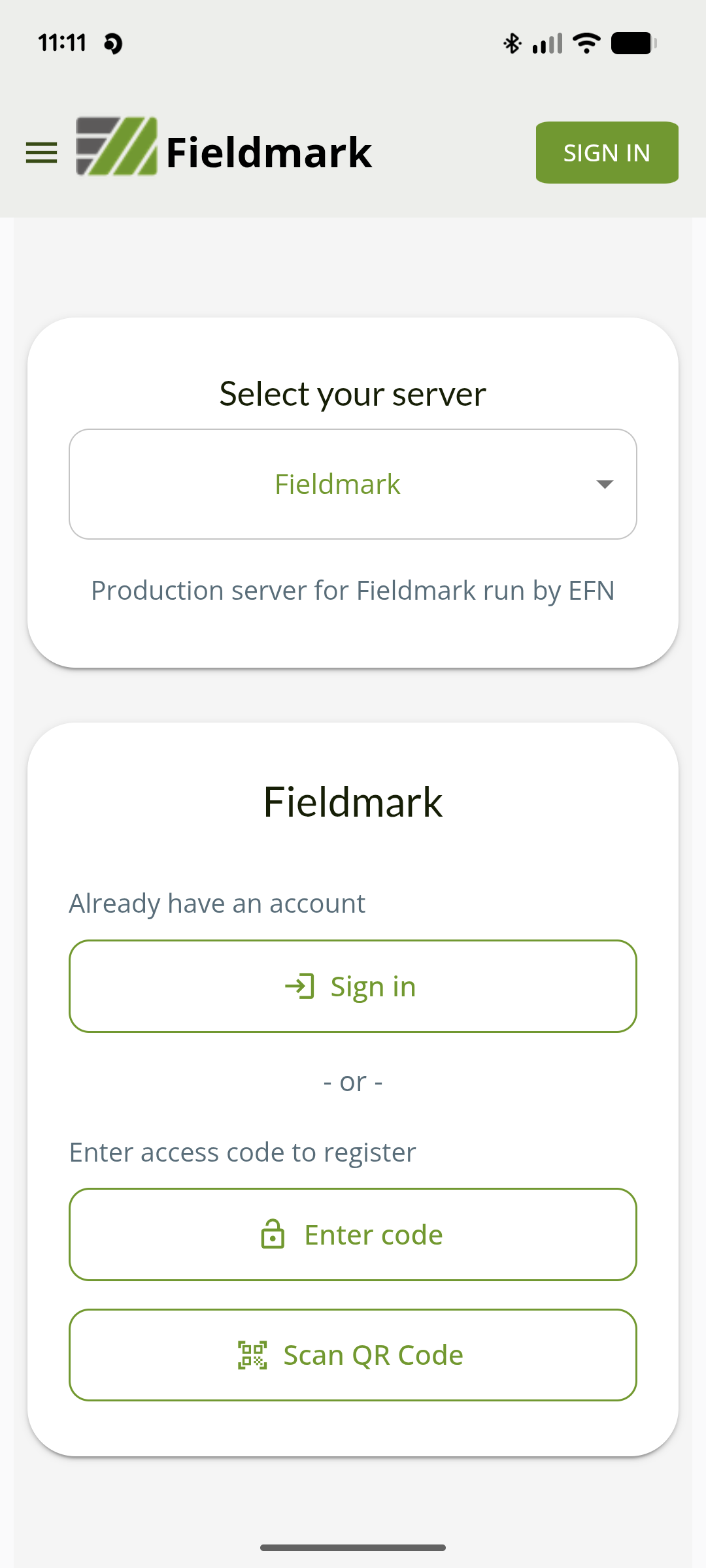
Check in with your Team Manager if you’re not sure which authentication service to use.
If your account is recognised, you will be successfully signed in and see your login name and role:
Note
Your login details will be recorded against all new records and any changes made to records while you are logged in. Always check you are correctly signed in.
Logging in for the first time
If you don’t already have an account on the Fieldmark server, you will be able to register for an account at this point. You can either register with your email and password, or a supported authentication service (eg a Google account).
Logging in with Multiple Accounts
You can login to Fieldmark with multiple accounts and switch between users. This can be useful when in the field sharing devices between different members of a team, with different credentials.
Troubleshooting
If you cannot see your Notebook on the Workspace:
contact your Team Manager and check which account was authorised
check you have logged in with the account that has been authorised
check back again a few minutes if the Team Manager or Team Administrator has only just authorised your account
sign out and sign in again